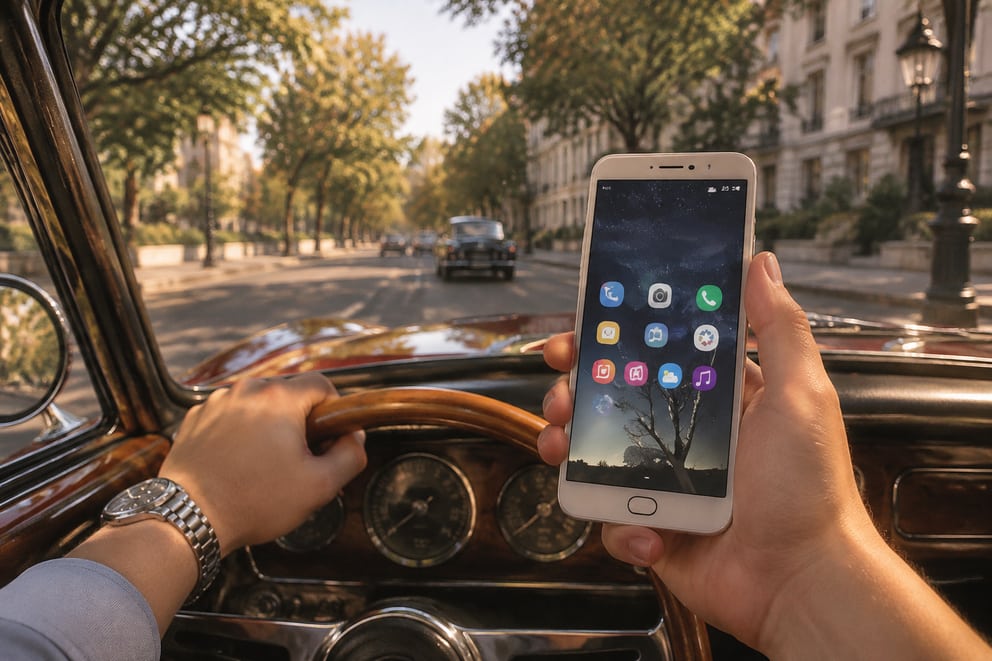
From checking messages to arranging transportation, Jason and Lucia rely on their smartphones for a wide range of everyday tasks across Leonida. The available apps make it easier to scan vehicles, follow character development, and keep track of important activities. Managing GTA 6 Money also becomes more convenient when you use the phone to stay informed about available services and opportunities. Additional apps become accessible as the story unfolds, giving you more tools to explore and manage your progress.
How to Open and Use Your Phone
Press Up on the D-pad to take out Jason or Lucia’s phone. You can also use it while flying an aircraft or riding in a taxi or rideshare.
To open WAiNK directly, hold Up instead of pressing it once. More applications become available as you advance through the story.
All Confirmed Phone Apps
| App | Main Function | How to Use It |
|---|---|---|
| Reminders | Tracks missed calls and important notifications | Check regularly for pending reminders |
| Contacts | Calls available characters and services | Select a contact and place a call |
| WAiNK | Scans vehicles for stats, condition, alarms, and trackers | Hold R1 / RB while scanning a vehicle |
| RydeMe | Books rideshare transportation | Select a destination and arrange a ride |
| Fitness | Tracks workouts, body shape, calorie intake, and progression | Monitor training progress and workout windows |
| BuckMe | Manages your bank account | Check balances and use ATMs for deposits |
| WhatUp | Keeps you connected with people you meet | Read and respond to messages |
| News | Displays news from around Leonida | Check updates through the app |
| Snapmatic | Provides access to the in-game photo-sharing feature | Use it to view and manage photos |
How to Use WAiNK to Scan Vehicles
WAiNK is particularly useful before stealing a vehicle. Instead of immediately breaking into a parked car, scan it first to check its condition and security details.
- Hold Up on the D-pad to open WAiNK.
- Aim your phone at the vehicle.
- Hold R1 on PlayStation or RB on Xbox to scan it.
- Review the vehicle’s statistics, condition, alarms, and trackers.
- Decide whether the vehicle is worth stealing.
Checking for trackers and alarms beforehand helps you avoid unnecessary problems during vehicle theft.
Book Rides and Recover Your Personal Vehicle
Two phone services make traveling around Leonida easier.
RydeMe: Use the app to book a rideshare to most locations accessible by car. The fare is charged to your bank account. Once inside the vehicle, you can talk to the driver to speed up the journey or skip the ride.
Paradise Taxi: Open Contacts and call Paradise Taxi to request a cab. You can also hail a taxi directly on the street. Taxi fares are paid using pocket cash.
If your personal vehicle is missing or damaged, call Joey through Contacts. He can arrange repairs or deliver your vehicle.
Manage Money and Character Progress
BuckMe and Fitness are two applications worth checking regularly.
- BuckMe: Monitor your bank balance and deposit excess pocket cash at an ATM. Being Wasted or Busted costs you pocket cash and a small maintenance fee.
- Fitness: Track your workouts, body shape, and calorie intake. Pay attention to workout windows because repeatedly missing them can cause your fitness level to decrease.
- Reminders: Check missed notifications after returning to the game, especially when waiting for important calls.
Smartphone features make it easier to access services, follow activities, and handle everyday tasks throughout Leonida. Alongside these story mode features, cheap GTA 6 Modded Accounts offer another option for players looking to explore more of the GTA experience and enjoy additional gameplay possibilities.
Change the Phone Display to First Person
You can adjust how the smartphone appears on screen.
- Open Settings.
- Enter the Camera tab.
- Find the Phone Display option.
- Choose Default or First Person.
Taking out your phone while driving also provides a first-person driving view, giving you another way to experience the game from inside the vehicle.
FAQ
How do you open the phone in GTA 6?
Press Up on the D-pad. Hold Up to open WAiNK directly.
How do you scan cars with WAiNK?
Open WAiNK, aim at a vehicle, and hold R1 on PlayStation or RB on Xbox to scan it.
Does RydeMe use pocket cash?
No. RydeMe charges your bank account, while Paradise Taxi uses pocket cash.
How do you get your personal vehicle back?
Call Joey through the Contacts app to arrange vehicle repair or delivery.
Do all phone apps unlock immediately?
No. Additional applications become available as you progress through the story.
